 MonitorGlow
Control External Monitor Brightness with Mac Keys
Dim external displays in software with Mac keyboard shortcuts, a floating level indicator and a click-through night shade. Your monitor’s physical backlight stays unchanged.
A calmer screen, right from your keyboard.
Software dimming for external displays
Adjust a software dimming level from the menu bar or keyboard, including a click-through night shade. Physical backlight is unchanged.
- Made for
- Mac external displays
- Access
- Try all controls for three days; a one-time Lifetime Pro purchase is required afterward.
Engineered for Multi-Monitor Power Users
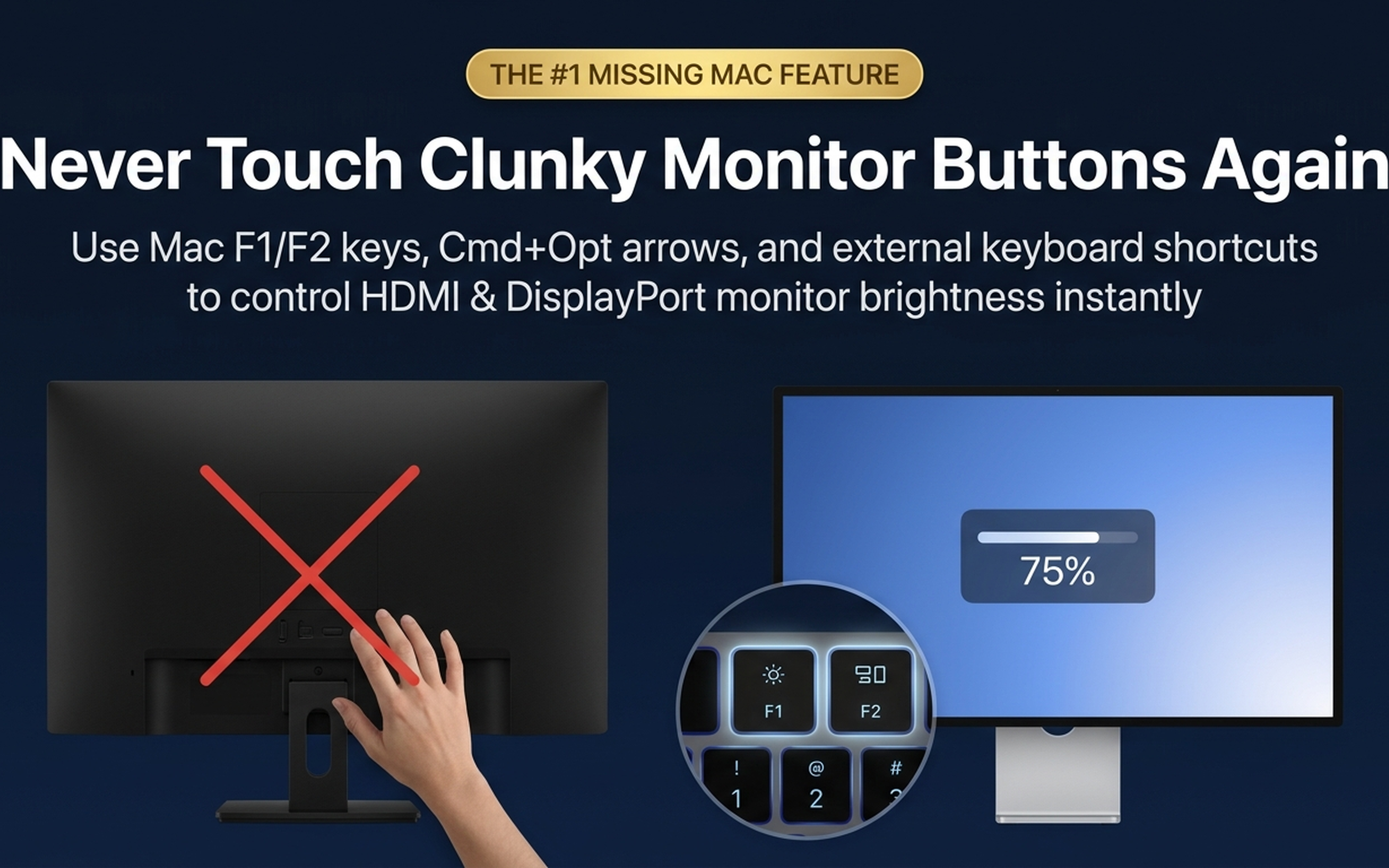
Zero reaching behind panels. Zero physical buttons. Just pure, effortless brightness control.
Native Mac Keys
Adjust screen brightness instantly using ⌘ ⌥ ↑ (Brighten) & ⌘ ⌥ ↓ (Dim), or ⌥ F1 / F2. Works over HDMI, DisplayPort, USB-C, and Thunderbolt docks.
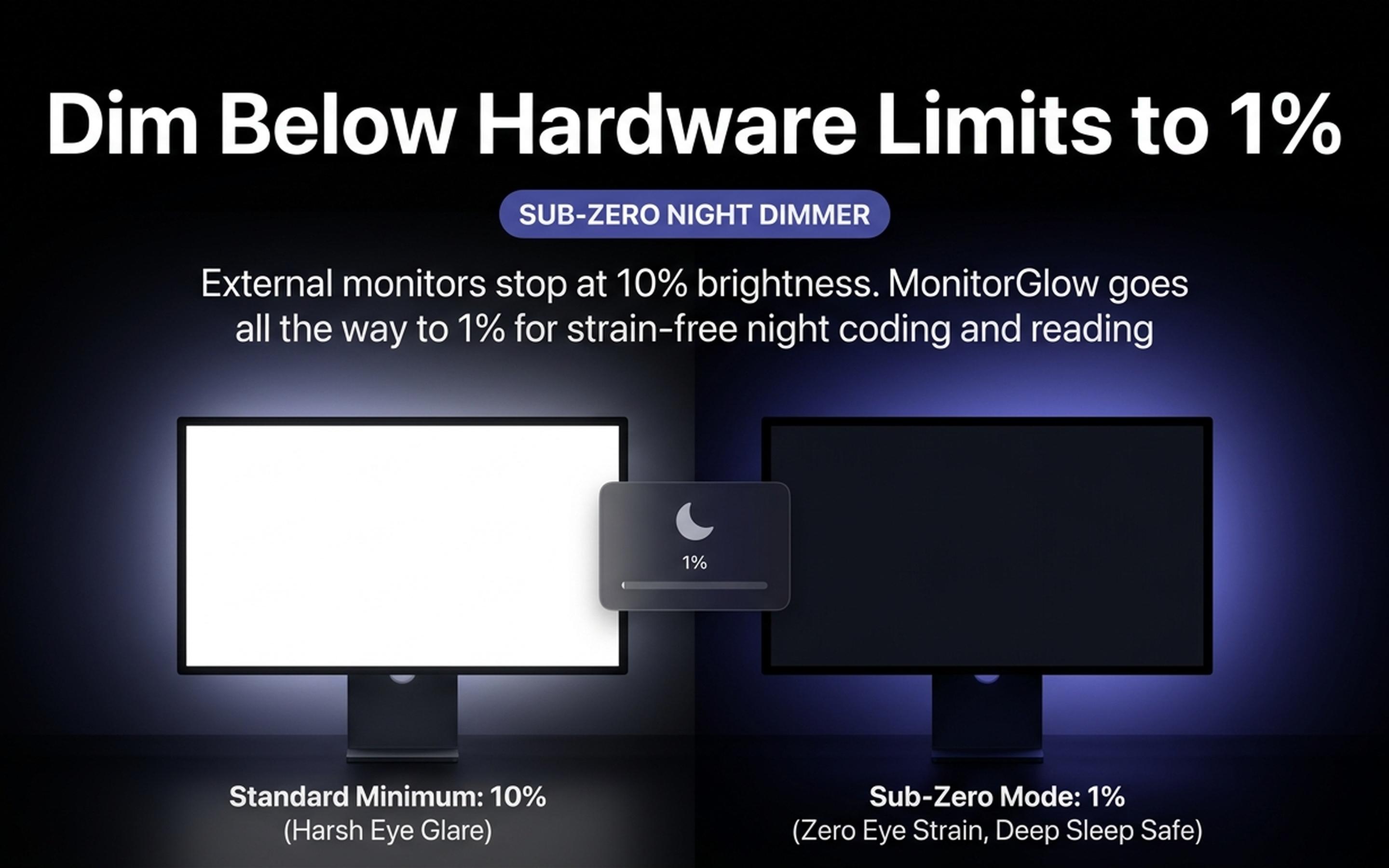
Sub-Zero Optical Night Mode
Sub-Zero mode adds a click-through software shade for comfortable late-night viewing, with control down to a 1% app level.
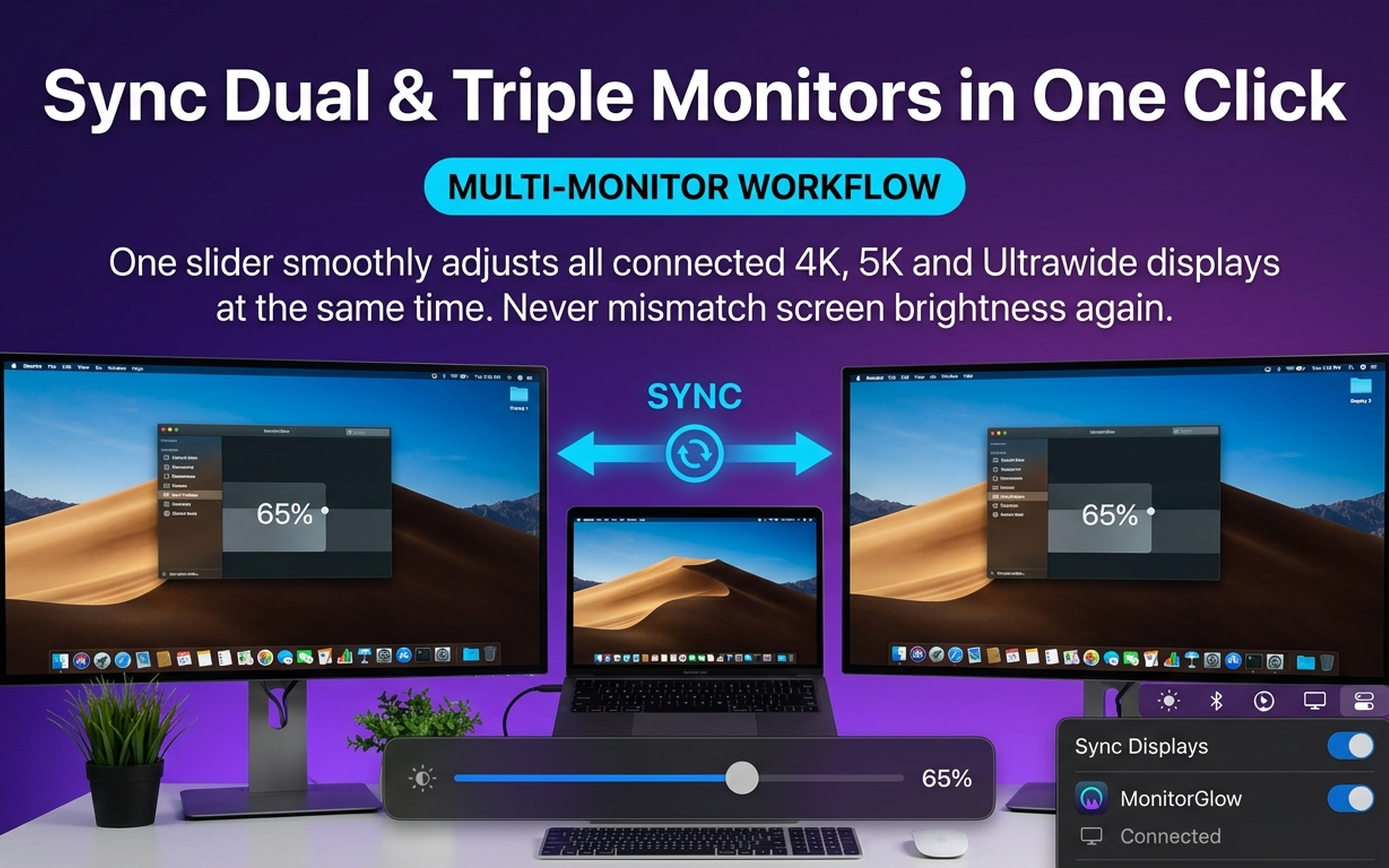
Multi-Monitor Synchronization
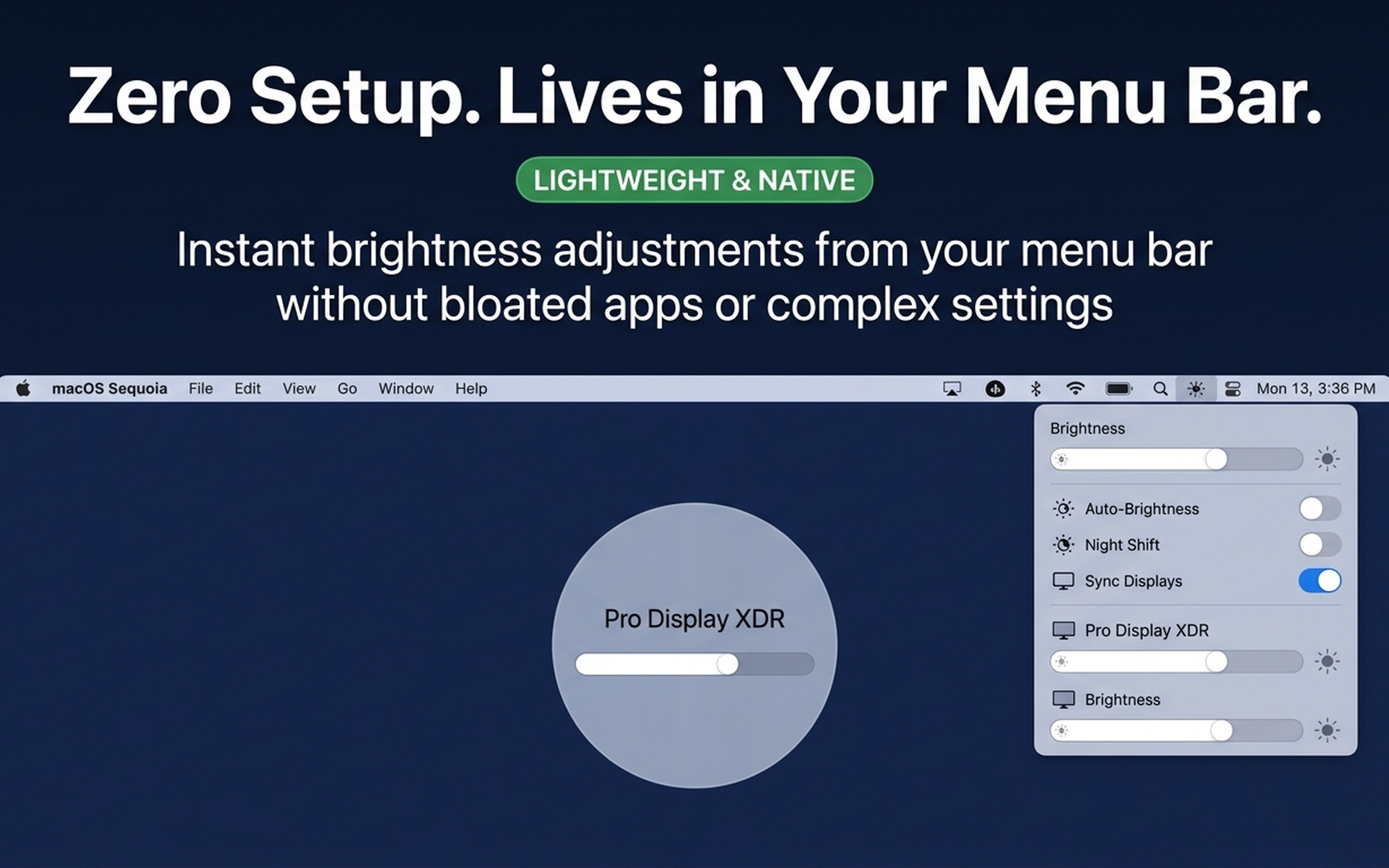
Instant menu bar access with dynamic Sequoia glass styling. Calibrate dual and triple displays in one click with synchronized brightness.
Zero Setup. Menu Bar & HUD
A floating bezel shows the current display name and brightness level when you use a shortcut.
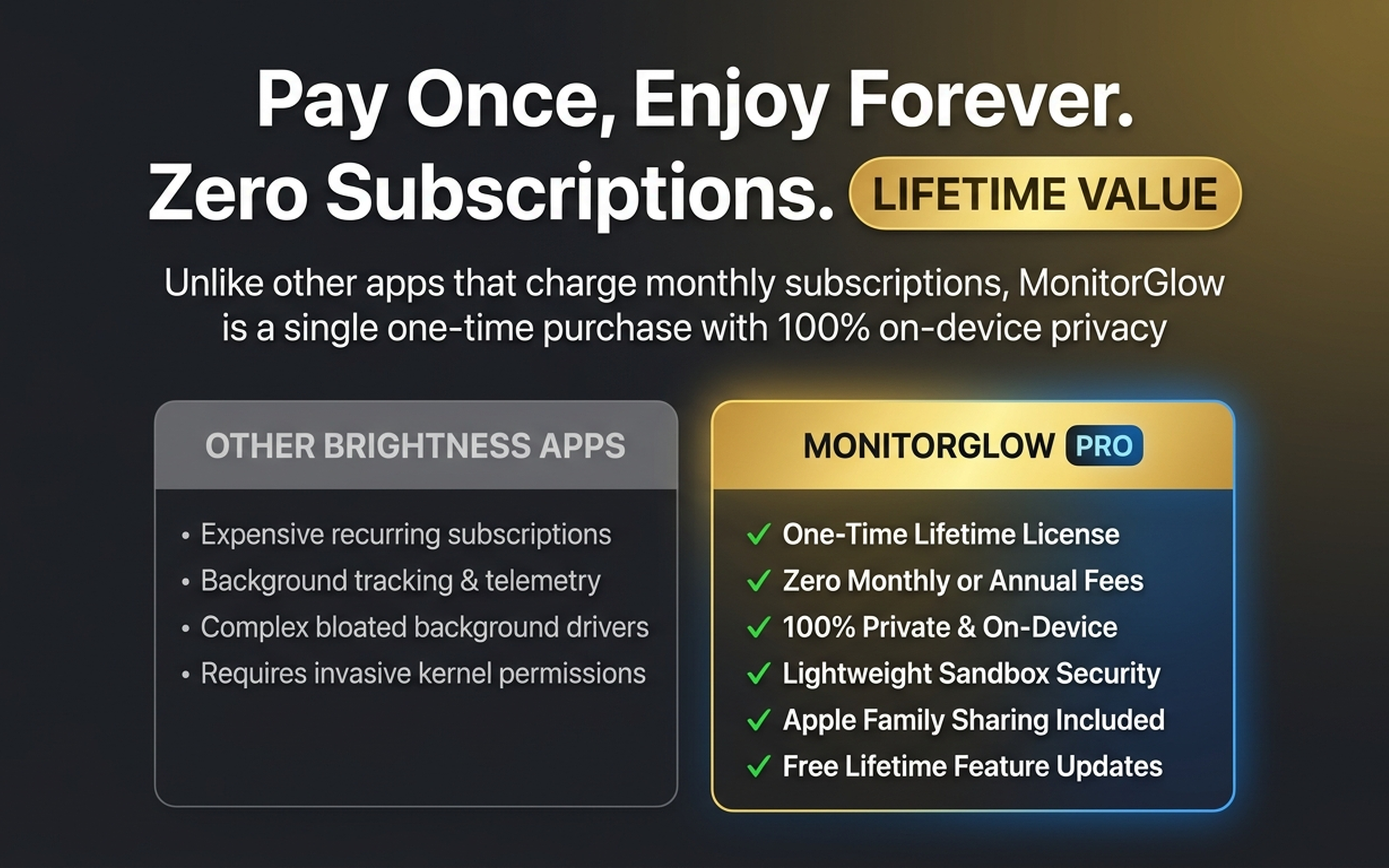
3-Day Free Trial & Lifetime Pro - Zero Subscription Fatigue
Enjoy full brightness controls for 3 days completely free. Keep forever with a single one-time Lifetime Pro purchase. Apple Family Sharing supported, no recurring monthly fees.
App availability
Current App Store version: 1.0. See the App Store listing for the latest release notes, device compatibility and local availability.
View current App Store details →Popular Guides & Hardware Solutions
Step-by-step troubleshooting for Mac mini, Mac Studio, and MacBook external displays:
How to Control Dell Monitor Brightness on Mac →
Fix Apple brightness keys not working on Dell UltraSharp monitors over HDMI & USB-C.
Dim Mac External Displays Below Hardware Limit →
Learn how Sub-Zero optical dimming can reduce screen glare in a dark room.
Reduce Screen Eye Strain for Software Developers →
Learn how automated 20-20-20 eye rests and workspace lighting support regular screen breaks.