How to Dim Mac External Monitor Below Minimum Brightness (Sub-Zero Night Mode)
Updated September 4, 2026 · 5 min read
Most commercial desktop monitors from LG, Dell, Samsung, ASUS, and BenQ are designed for brightly lit corporate offices. Their minimum hardware backlight setting typically bottoms out at 30 to 50 nits.
In a dark bedroom or pitch-black home office at 1:00 AM, 30 nits feels like staring directly into a flashlight. This causes severe eye fatigue, headaches, circadian rhythm disruption, and dry eyes.
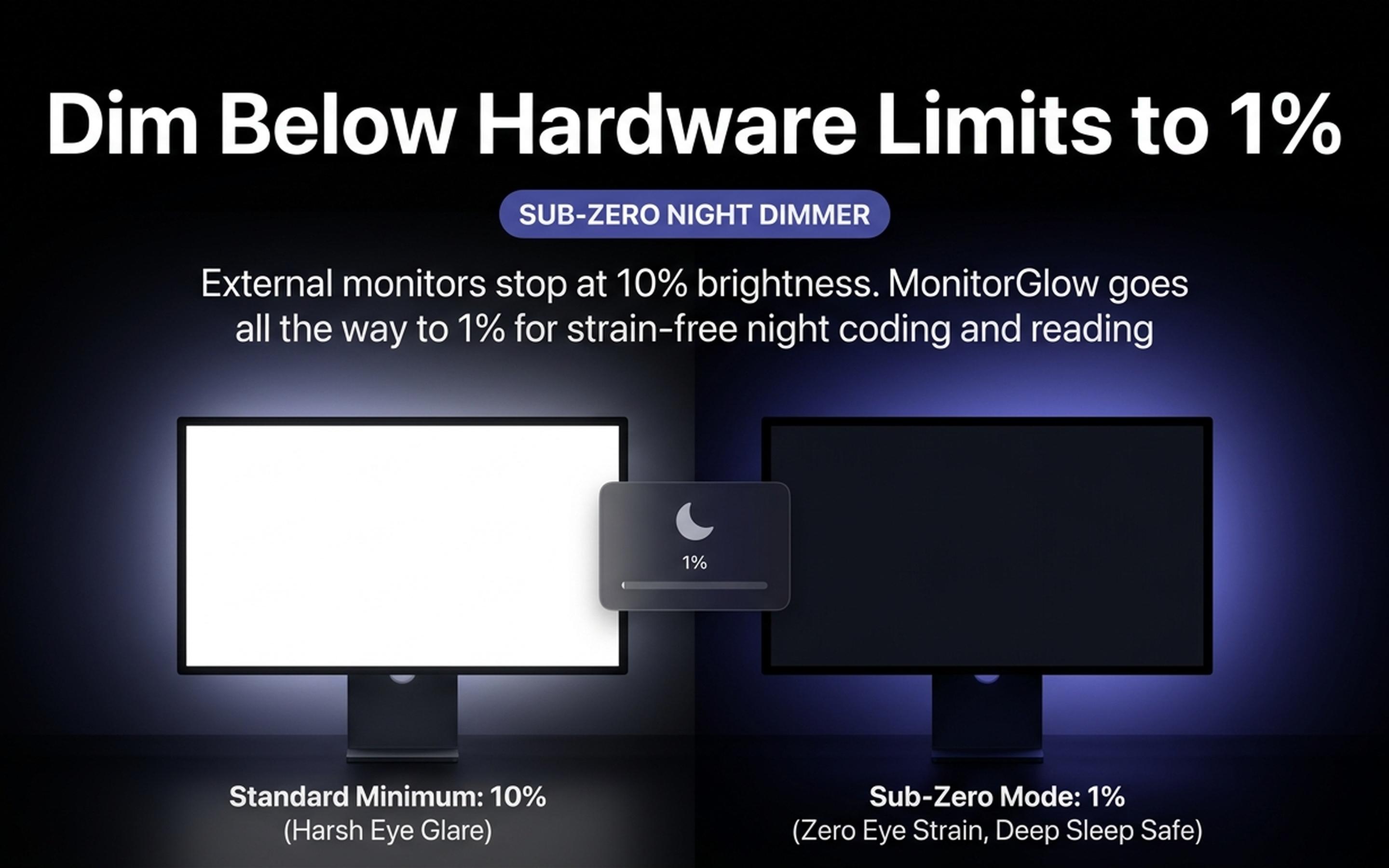
Why Physical Monitor Buttons Aren't Enough
When you lower a monitor to 0% using its on-screen menu buttons, the physical LED backlight cannot turn off without shutting off the panel entirely. Physical dimming also introduces pulse-width modulation (PWM) flicker on cheaper panels, which triggers micro-spasms in eye muscles.
Enter Sub-Zero Optical Shading
MonitorGlow's Sub-Zero Night Mode bypasses hardware limits by applying a mathematical color-space transform directly inside the macOS CoreGraphics gamma pipeline.
- Zero PWM Flicker: The backlight remains stable while the transmitted light is optically filtered.
- 1% Ultra-Low Brightness: Read code, prose, and terminal buffers comfortably in complete darkness without illuminating the room.
- Preserves Color Fidelity: Pure blacks remain deep black while midtones are gently attenuated to prevent contrast clipping.
Protect Your Eyes During Late-Night Sessions
Experience strain-free coding with MonitorGlow Sub-Zero Night Mode. Free 3-day trial on the Mac App Store.
Download on Mac App Store