A LITTLE HELP WITH YOUR NEXT MOVE
Let’s get you
moving again.
Clear answers for tricky puzzles, purchases, progress, and the school run.
Playing the game
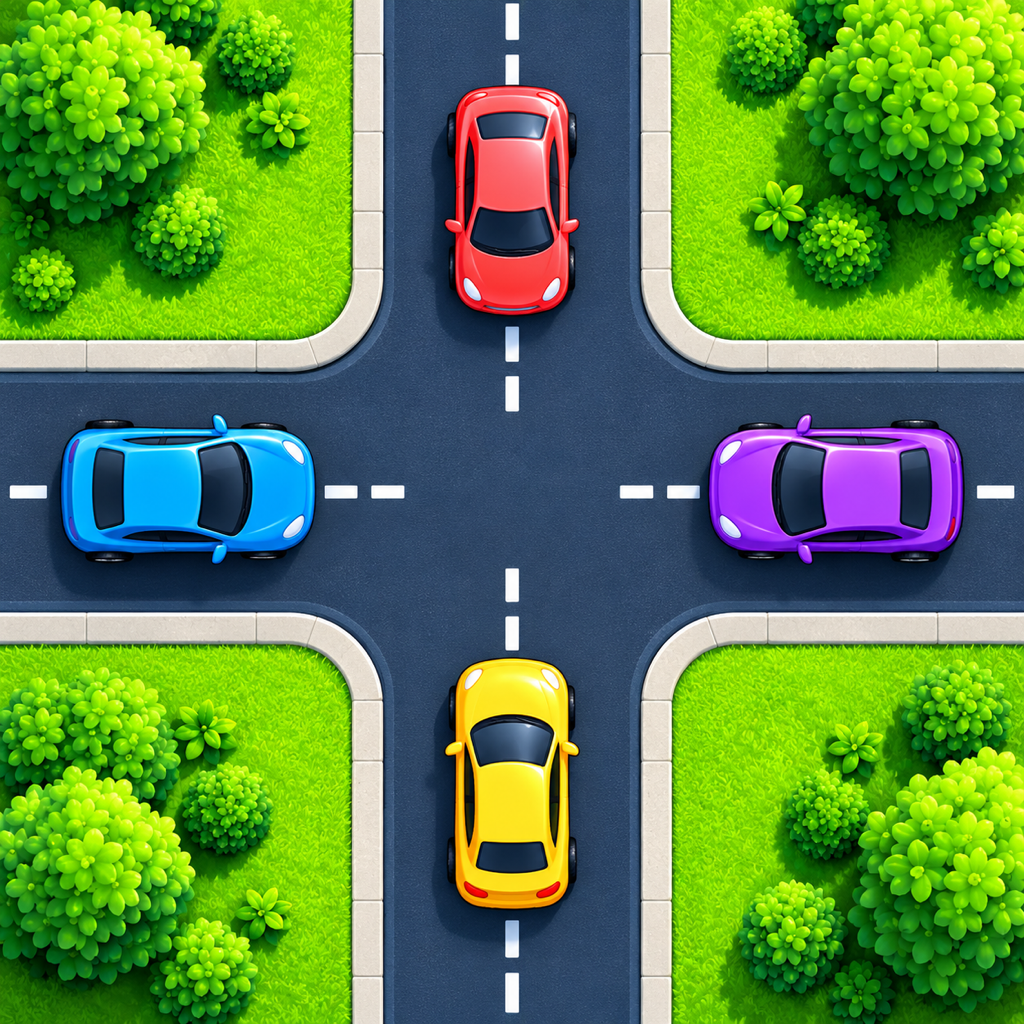
Tap a vehicle to move it along its available route. Check what is blocking it before you tap: a blocked vehicle tap also uses a move. Start at Level 1 and solve puzzles to unlock more. Version 1 has five worlds and 64 levels.
In Traffic Lights, wait for green before moving. In Construction City, moving the right construction vehicle opens a blocked lane. Use replay to try a fresh plan.
School bus pickups
- Clear every other traffic vehicle first.
- Tap the bus to reach Stop 1. Wait while the children board automatically.
- Tap again to reach the next numbered stop. Repeat in order.
- After all pickups, tap once more to reach school and drop everyone off.
The bus has space for all the waiting children. You do not need to tap the children, and the bus makes one final school visit.
Hints and ads
Each level includes two free hints; replay does not refill them. Free players can choose a rewarded ad for an additional hint. Interstitials may appear after every third completed level.
Lifetime Pro removes both interstitial and rewarded ads. Extra Pro hints cost 50 earned in-game coins after the two free hints; confirm before spending. No hint means no coin charge.
Save and restore progress with iCloud
Local play works without iCloud. In Settings, choose Sync to save and merge progress with your private CloudKit database. Choose Restore to retrieve a cloud save. Use the same iCloud account on both devices and a working internet connection.
The buttons show activity during the request. Last synced and Last restored show successful server operations, not a guarantee that another device has already loaded the save. If an operation fails, check iCloud sign-in, free storage and your network, then try again.
Lifetime Pro and purchase restoration
Lifetime Pro is a one-time, non-consumable purchase that removes all ads. It does not unlock the whole campaign. Additional Pro hints cost earned coins as described above.
Use Restore purchases on the paywall with the store account used to buy Pro. This is separate from restoring iCloud game progress. Redeem Code, Terms of Use and Privacy Policy are available on the paywall.
Something still looks wrong?
Update the app, close and reopen it, and check your internet connection for ads or purchases. If a puzzle or animation gets stuck, note the world and level before replaying.
Include the level number, device model, iOS version, app version, and steps that reproduce the issue. Avoid sharing personal information in screenshots.
Send a support message ↗